

Bresser 5804000 Microscope Advance ICD 10x-160x Stereo
Product details
| Management number | 211795878 | Release Date | 2026/04/04 | List Price | $385.52 | Model Number | 211795878 | ||
|---|---|---|---|---|---|---|---|---|---|
| Category | |||||||||
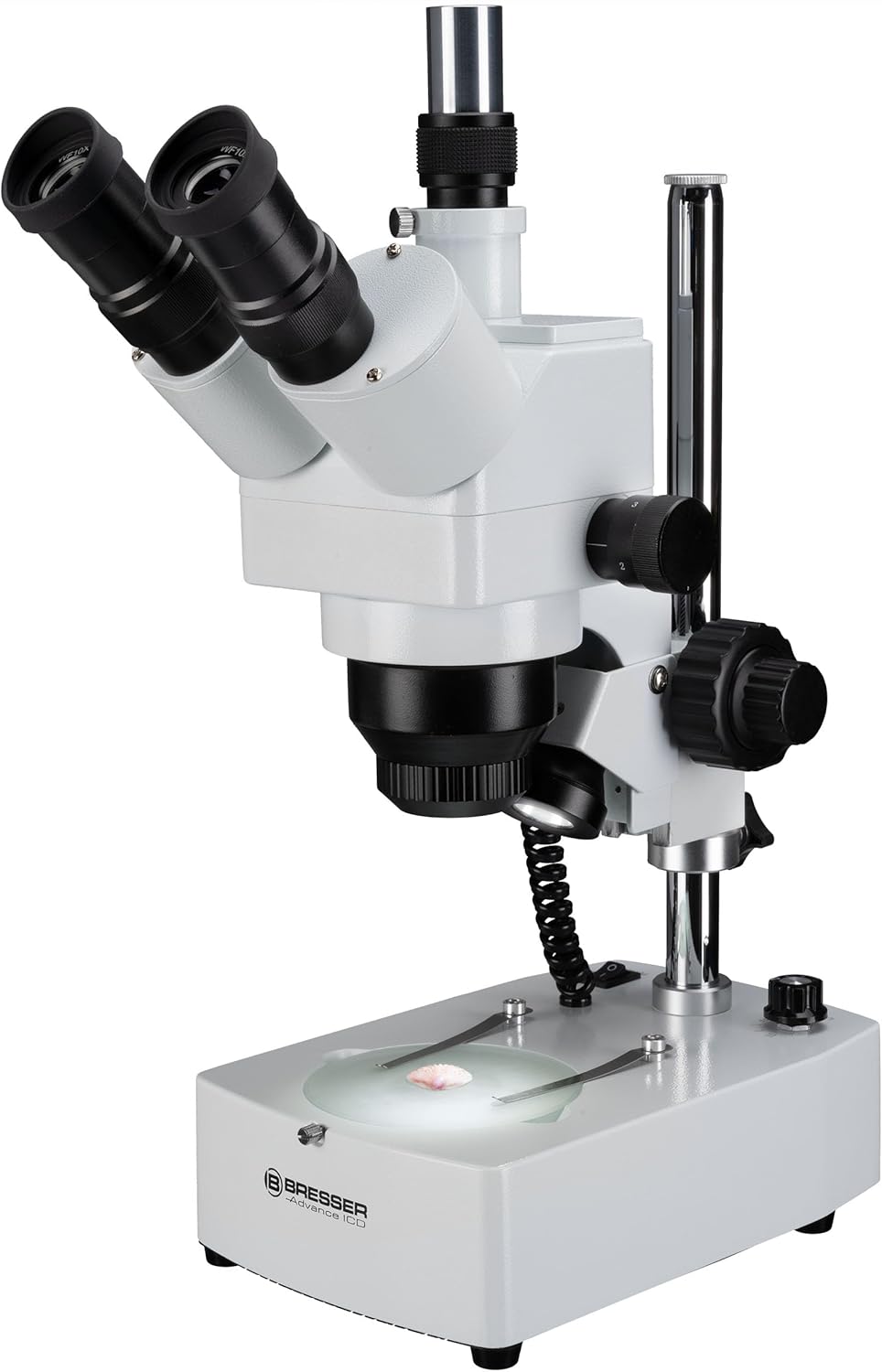
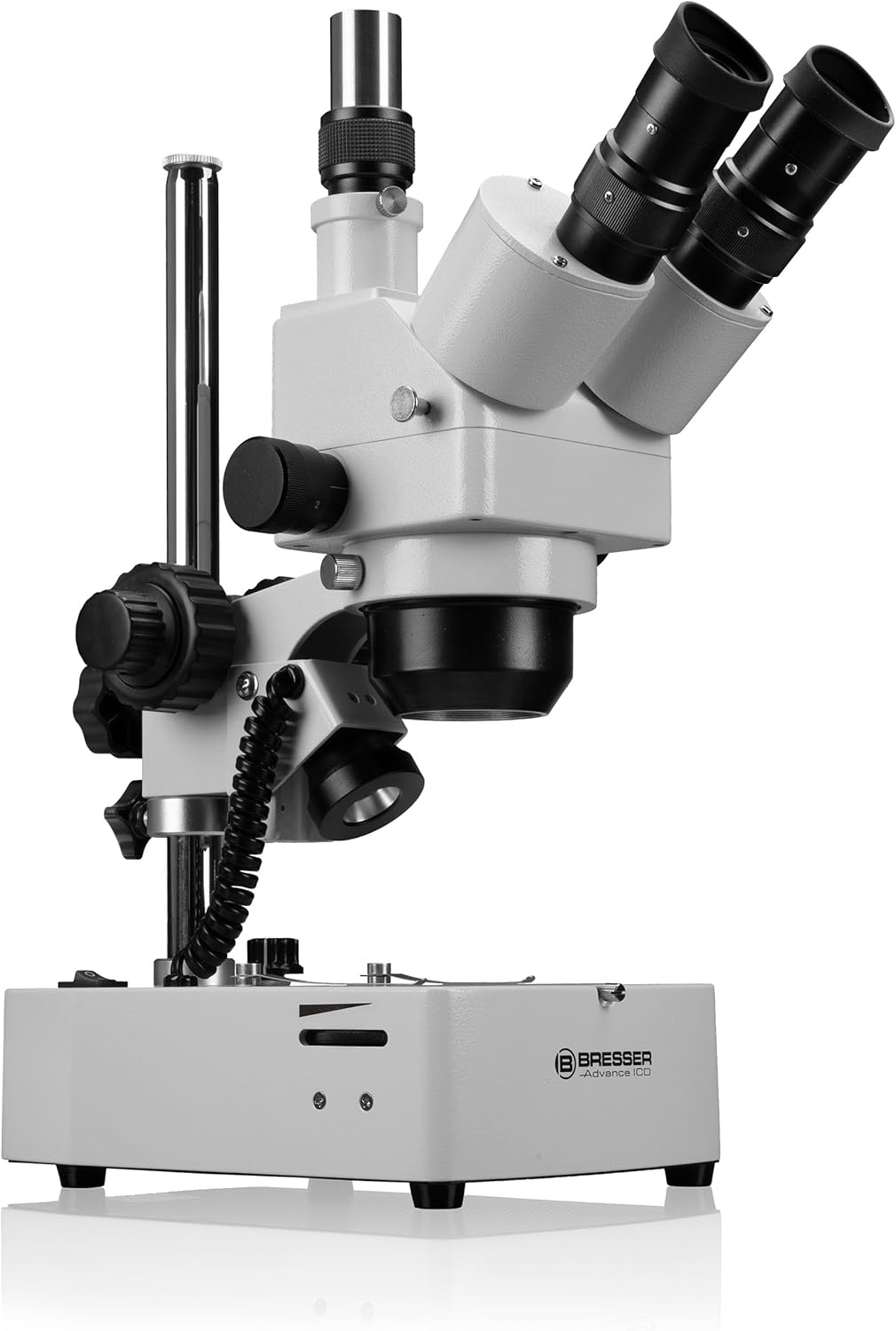
High-quality stereo microscope for amateurs and professionals. Advance ICD is the first trinocular stereo- and biological microscope in the BRESSER range. As an professional instrument, it performs premium optical quality at an unbeatable price. The combination between a stereo zoom objective (1x-4x), changeable pairs of high grade wide field eyepieces (10x, 20x) and an additional auxiliary lens (2x) allow for the incredible wide magnification range of 10x to 160x. The height adjustable and 360° turnable trinocular head allows for observations of larger items such as rocks or thick circuit boards, in all observing positions. Photography with a SLR camera or a PC Eyepiece, which can be connected on the trinocular head, is possible during the visual observation through the right ocular at the same time. Naturally, the individual eye relief and the diopter adjustment can be set. The image replication is very realistic, rich in details and full of contrast. This is also due to the bright halogen illumination including blue filter and dimmer, which can be individually turned on for stereo- or transmission observation or both at the same time.
- The Bresser Advance ICD microscope with incident and transmitted light illumination and 160x magnification for beginners and experts The trinocular attachment is designed for visual observation and simultaneous connection of a camera
- The stereo zoom lens in combination with the wide field eyepieces results in magnifications of 10x-160x The 360° rotatable trinocular attachment allows observations from various positions
- The additional halogen lighting is dimmable and can be switched on and off with incident and transmitted light Individual interpupillary distance and diopter compensation can be adjusted
- Included: Microscope, 2x auxilary lens, blue-filter, eyepieces, dustcaps
- Scope of delivery: Microscope; 2 pairs wide field eyepieces (WF 10x / WF 20x); 2x Auxiliary Lens (1 piece); 1 pair rubber eyecups; Object plate made of plastic (black/white); Object plate glass 94mm (matte); 2 halogen lamps; Dust cover, Instruction manual
| Brand | BRESSER |
|---|---|
| Color | Blue |
| Voltage | 12 Volts, 230 Volts |
| Model Name | 5804000 |
| Unit Count | 1.0 Count |
| Item Weight | 4.7 Kilograms |
| Manufacturer | Bresser |
| Model Number | 5804000 |
| Power Source | Battery Powered |
| Light Source Type | Halogen |
| Compatible Devices | Personal Computer |
| Enclosure Material | Polycarbonate |
| Real Angle Of View | 45 Degrees |
| Magnification Maximum | 160 x |
| Manufacturer Part Number | 4007922148014 |
| Item Dimensions L x W x H | 8.86"L x 5.83"W x 14.96"H |
| Objective Lens Description | Achromatic |
| Global Trade Identification Number | 04007922148014 |


Bestseller ranking
Compound Monocular Microscopes


![[Blood Version] Vabiooth Dual-View Compound Monocular Microscope 40X-2500X Magnification with 7" LCD Screen 5MP E-Eyepiece, Adjustable Mechanical Stage, Aluminum Carry Box for observing Live Blood](https://m.media-amazon.com/images/I/71ymDrtavXL._AC_SL1500_.jpg)
Correction of product information
If you notice any omissions or errors in the product information on this page, please use the correction request form below.
Correction Request Form